Create Map Template
In this guide, we will walk you through the steps to creating a map template.
Written By Jose Portillo
Last updated Over 2 years ago
Overview
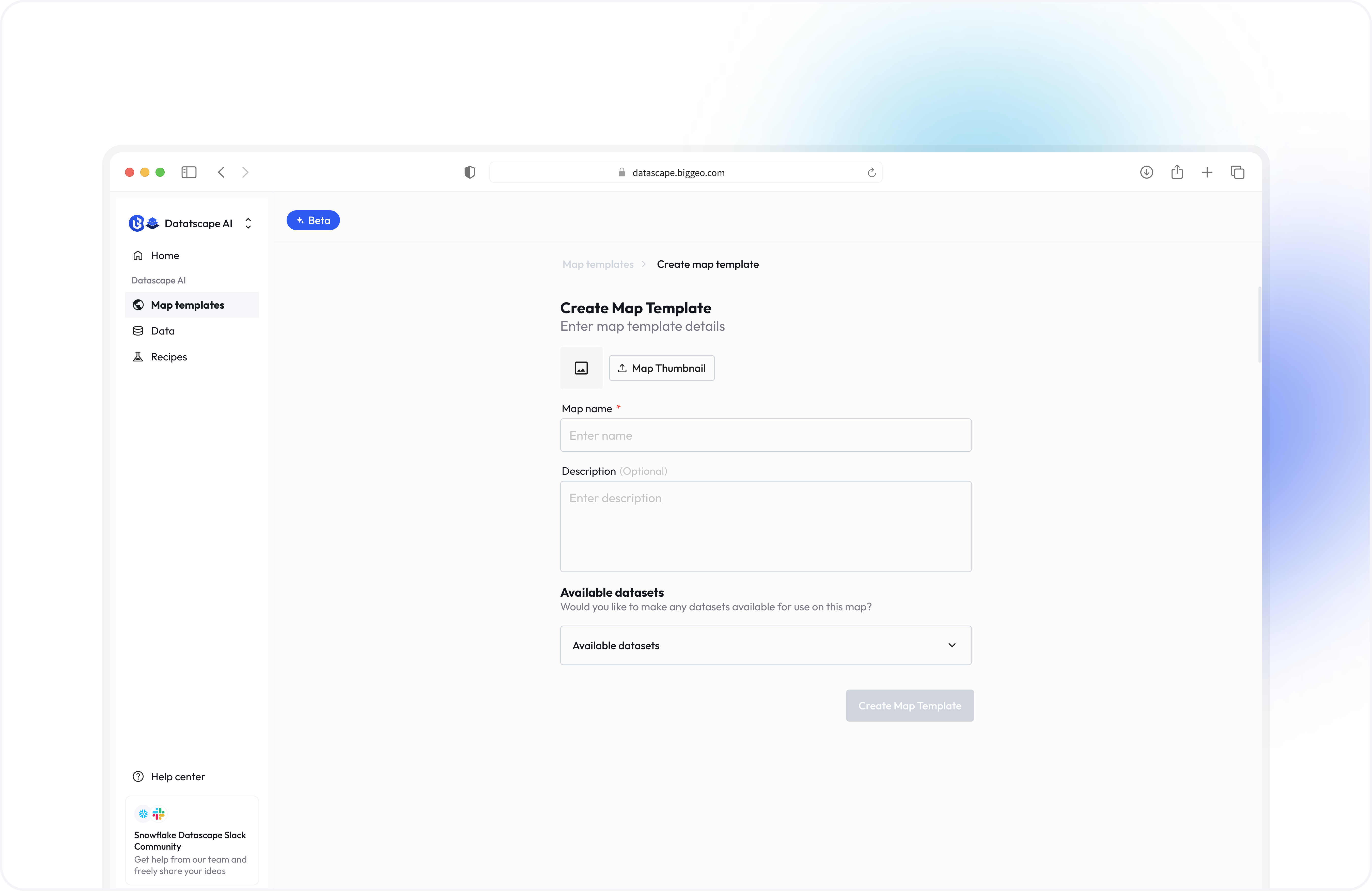
Map templates are customizable configurations designed for specific mapping objectives. Templates can be customized with a thumbnail, name, and description to help teams easily identify and distinguish between different configurations. Only the enabled datasets will be accessible within each map template.
Map Template Details
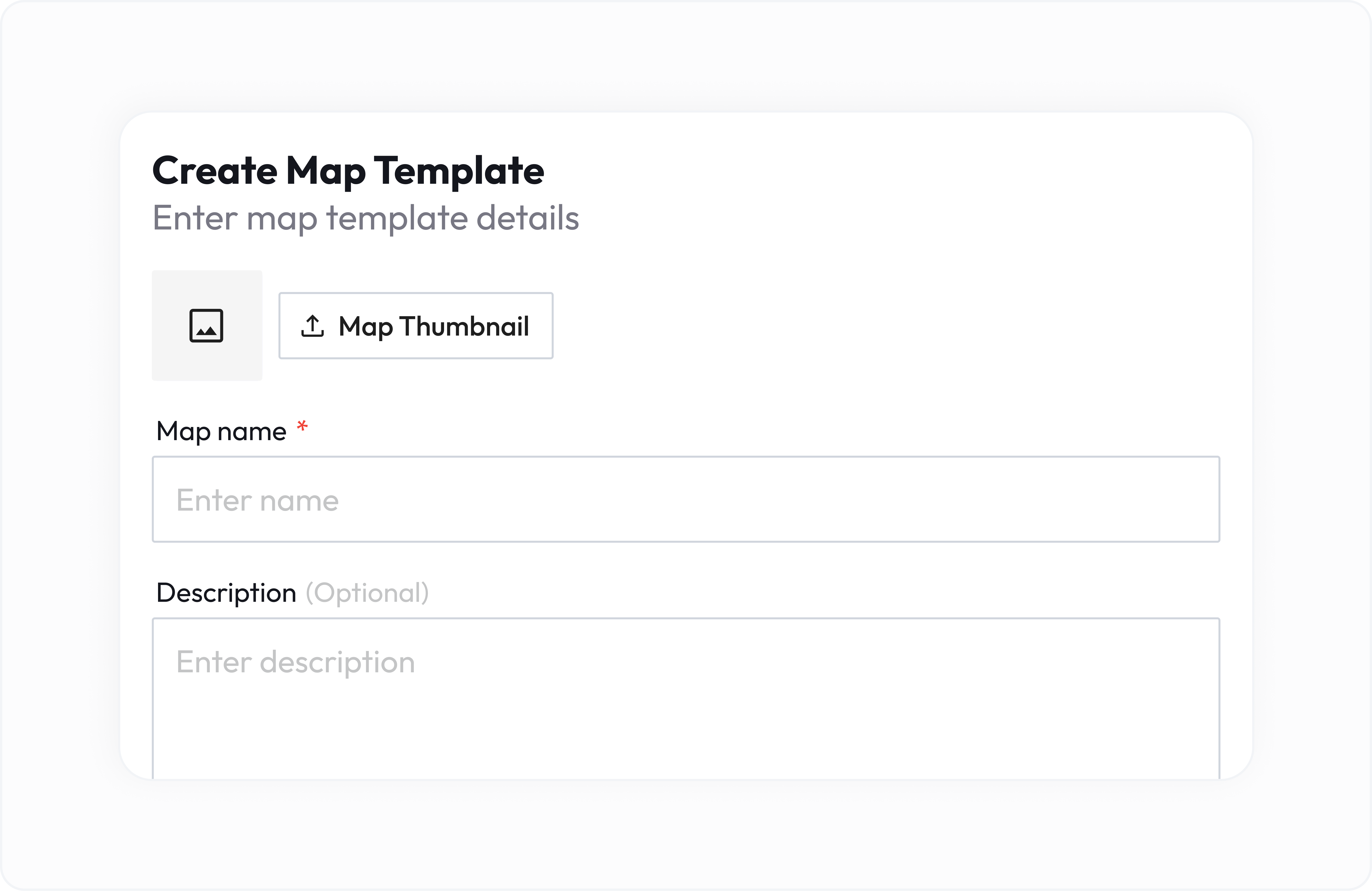
When creating a map template, you can customize the thumbnail, enter a name, and provide a description detailing the intended use and goals of the template. This information will help you and your team easily find and distinguish between different templates.
Enabled Datasets Access
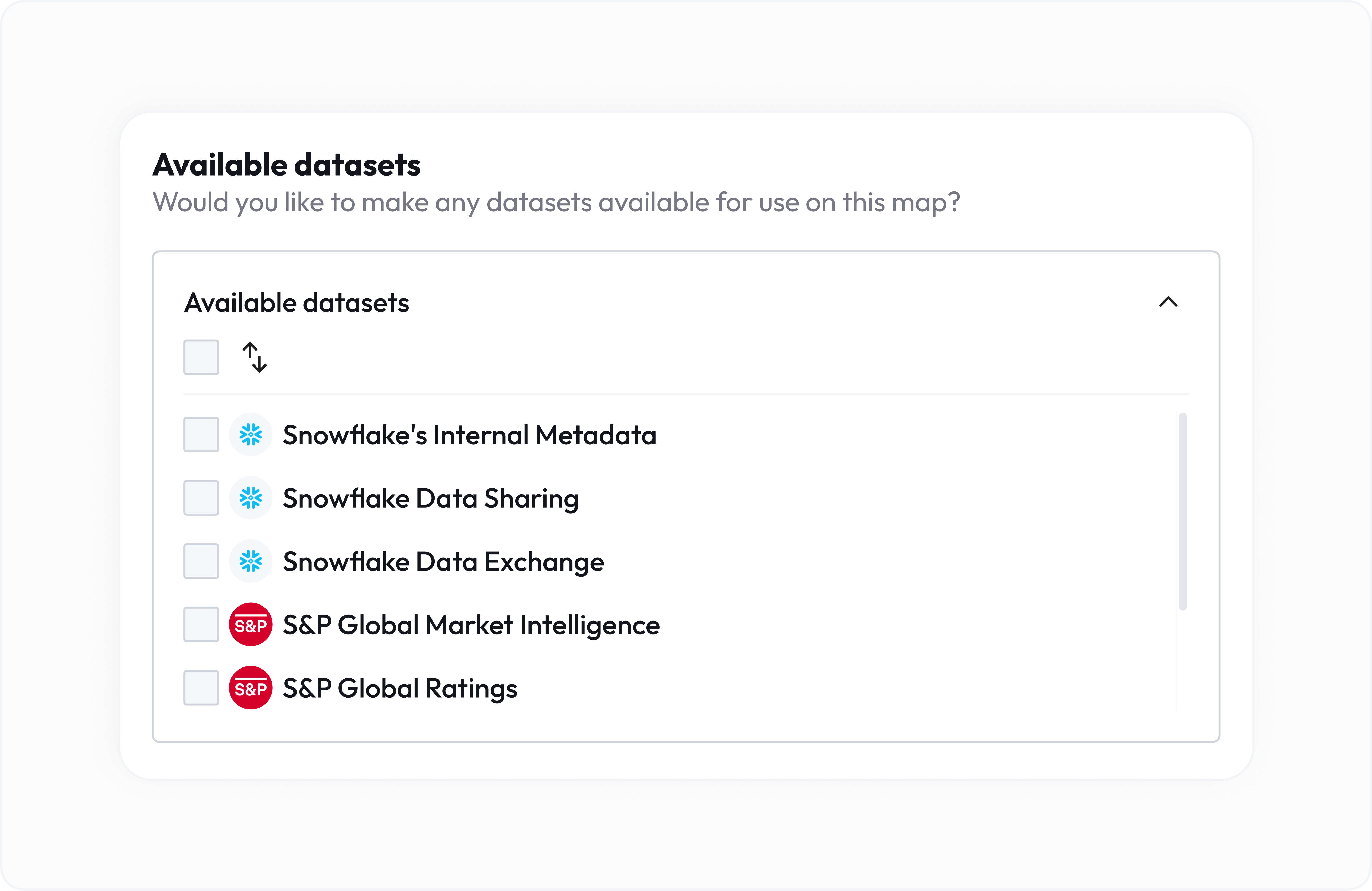
If you have datasets available on your Datascape portal, you can enable your map template to use these datasets. Only the datasets enabled here will be available for use within your map template and its configuration.
FAQs
Is there a limit to how many map templates I can create?
Is there a limit to how many map templates I can create?
Map templates is currently in BETA and there is no limit to how you can currently create.
How do I suggest a feature for map templates?
How do I suggest a feature for map templates?
We’re constantly trying to improve our product and your suggestions are appreciated. you can make a feature suggestion here.
Was this helpful?
Still need help? Share an idea